AI image and video tools, one page per job
Most AI media suites hide a dozen different jobs behind one upload box. This hub splits them into focused pages: edit a photo, replace a background, build a headshot, restore an old print, extend a frame, prepare a panorama, or animate a still. Each page uses the same live workspace and the same credit balance, so you can move between jobs without a new account.
Edit and restore photos
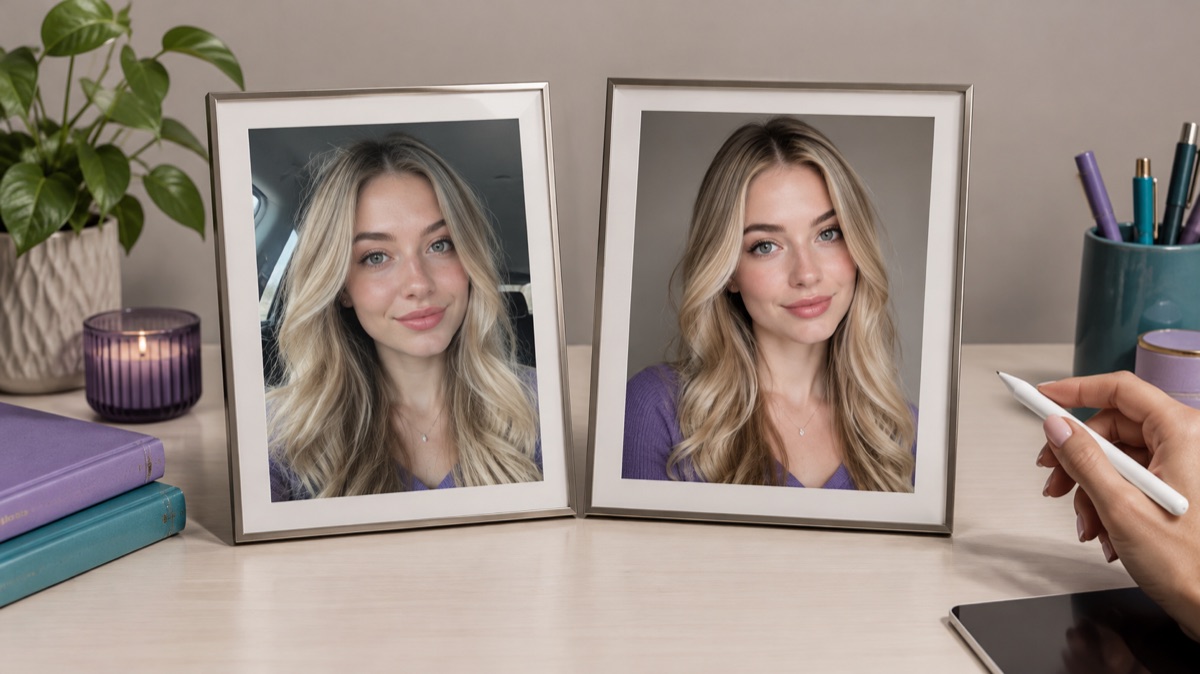
AI image editor for prompt-based photo edits
Edit a photo by describing the change: swap clothes, clean a background, adjust light, or restyle a portrait. Upload once, compare the result, and download.
Open tool
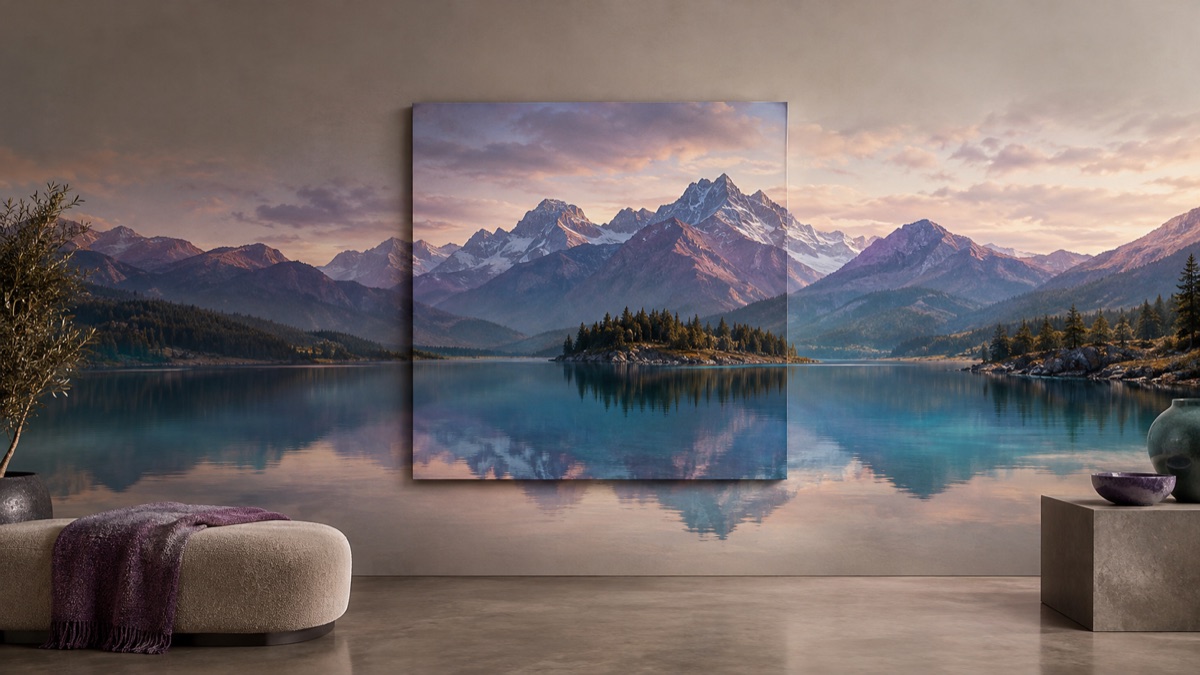
AI image extender for wider frames and clean crops
Extend a photo beyond its original edges with AI outpainting. Add room for headlines, fix a tight crop, or turn a square shot into a wide banner.
Open tool

AI background changer for portraits and products
Replace a photo background with a studio, street, interior, or clean product set. Keep the subject and clothing while the scene changes around them.
Open tool
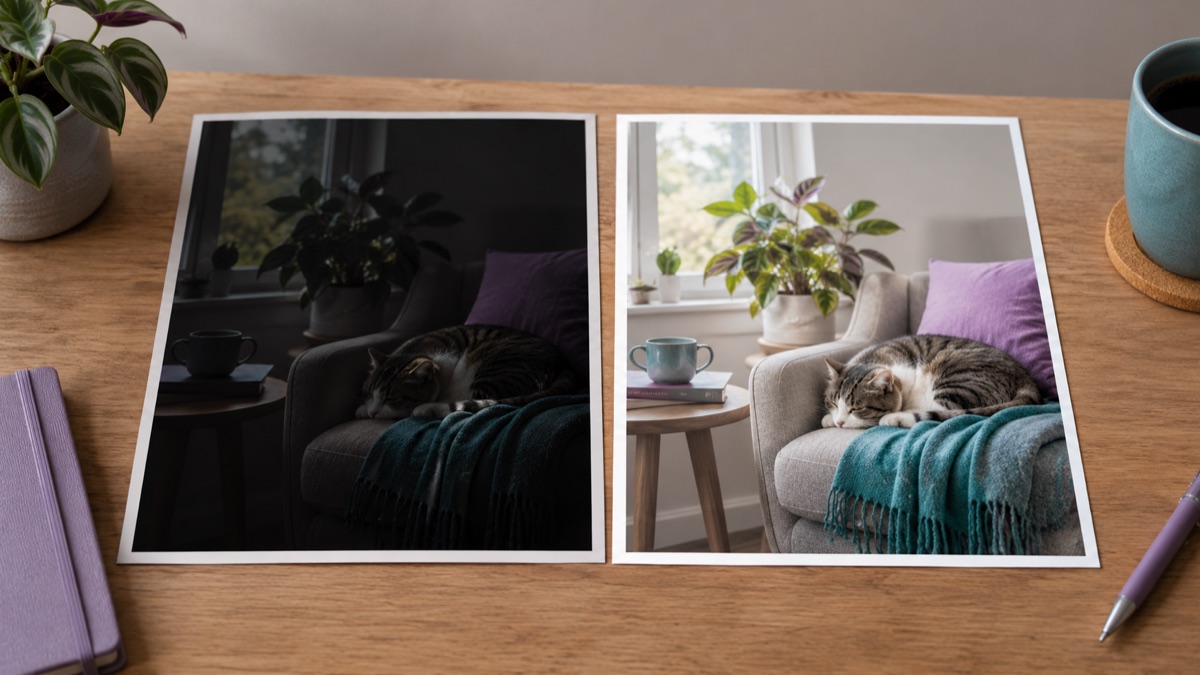
AI photo enhancer for natural-looking corrections
Improve a phone photo with balanced light, cleaner shadows, and natural detail. Describe the correction and keep the face, colors, and scene believable.
Open tool

AI photo restorer for damaged family photos
Repair scratches, creases, fading, and dust in old family photos while keeping faces, clothing, and the period look recognizable.
Open tool

AI product photo editor for marketplace listings
Move a product onto a clean studio set, add a natural shadow, and keep the label readable. Built for marketplace and storefront photos.
Open tool
Create new images

AI headshot generator for profiles and team pages
Turn a clear selfie into a professional headshot with studio light, a clean backdrop, and business clothing while keeping the face recognizable.
Open tool

AI thumbnail generator for video covers
Generate a video thumbnail with a clear subject, strong contrast, and space for a title. Start from a prompt, then add your own text in an editor.
Open tool
Turn images and prompts into video

AI image to video for short, controlled motion
Turn a still image into a short video with gentle camera motion, a head turn, drifting fog, or shimmering light. Keep the subject consistent.
Open tool

AI video generator for short text-to-video shots
Describe a short scene and generate a video: camera movement, subject action, light, and atmosphere. Start with a simple shot and inspect every frame.
Open tool
Panorama and 360 workflows
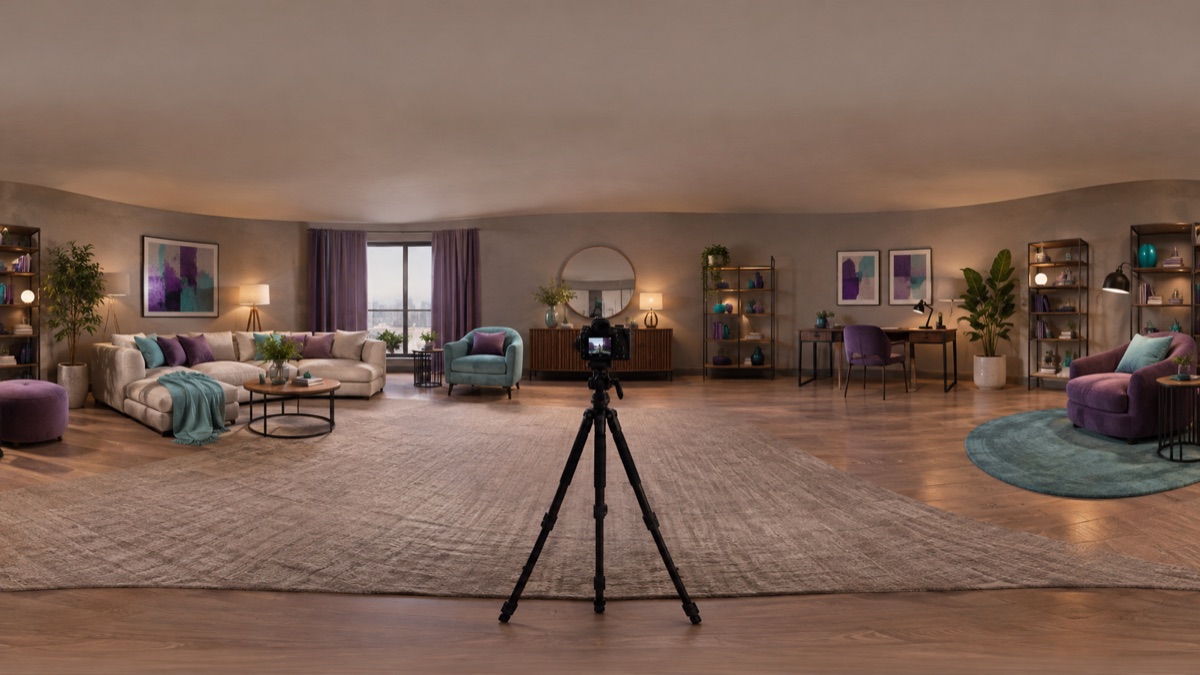
360 image editor for equirectangular photos
Edit an equirectangular 360 photo with a prompt: remove clutter, change the sky, or clean the floor. Check the seam and projection before publishing.
Open tool
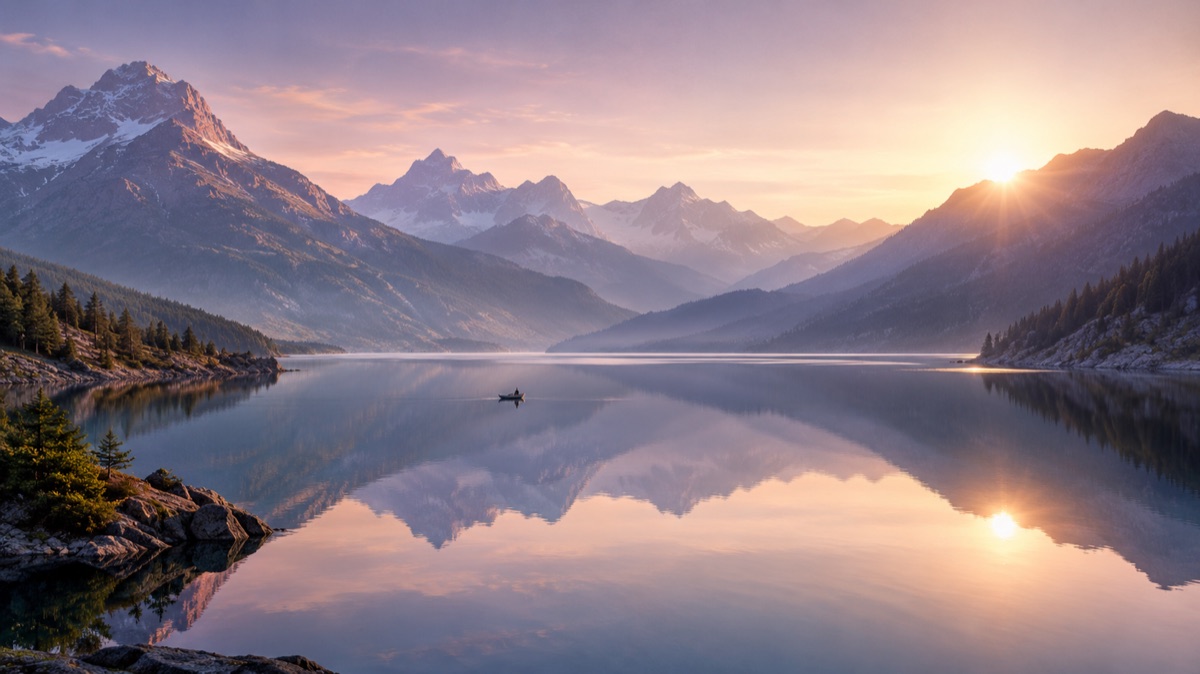
Panorama image generator for wide scenes
Generate a wide panoramic scene from a prompt: mountain lakes, interiors, or city skylines. Choose a wide ratio and inspect the edges before use.
Open tool
How these tool pages work
Are these separate apps with separate subscriptions?
No. Every page opens the same workspace and uses the same account and credit balance. The page only pre-selects the mode and shows prompt examples for that job.
Which model actually runs when I press generate?
The model named in the live selector is the source of truth. Image editing currently uses the edit model shown there, and video uses the selected Veo option. This site is independent and does not run a private Qwen or 360 model.
Do I need an account before I can look around?
No. You can read every page, copy prompts, and inspect the examples without signing in. An account is only required to upload a file and run a generation that consumes credits.
Can I use the results commercially?
Check the terms of the model provider and your own local rules before publishing. Keep a record of the prompt and the model used, and do not upload images you do not have the rights to edit.
Upload only images you have the rights to use. Files are sent to the storage and model providers needed to produce the result.
Generations consume credits. The pricing page shows the current packs and plans; this page does not promise a price.