Marketplace consistency
Give a mixed set of photos the same neutral background and light direction.
Product workflow
A product photo has one job: show the item accurately in a setting that makes it easy to buy. This workflow changes the surface, light, and background while keeping the product itself and its label as close to the original as possible.
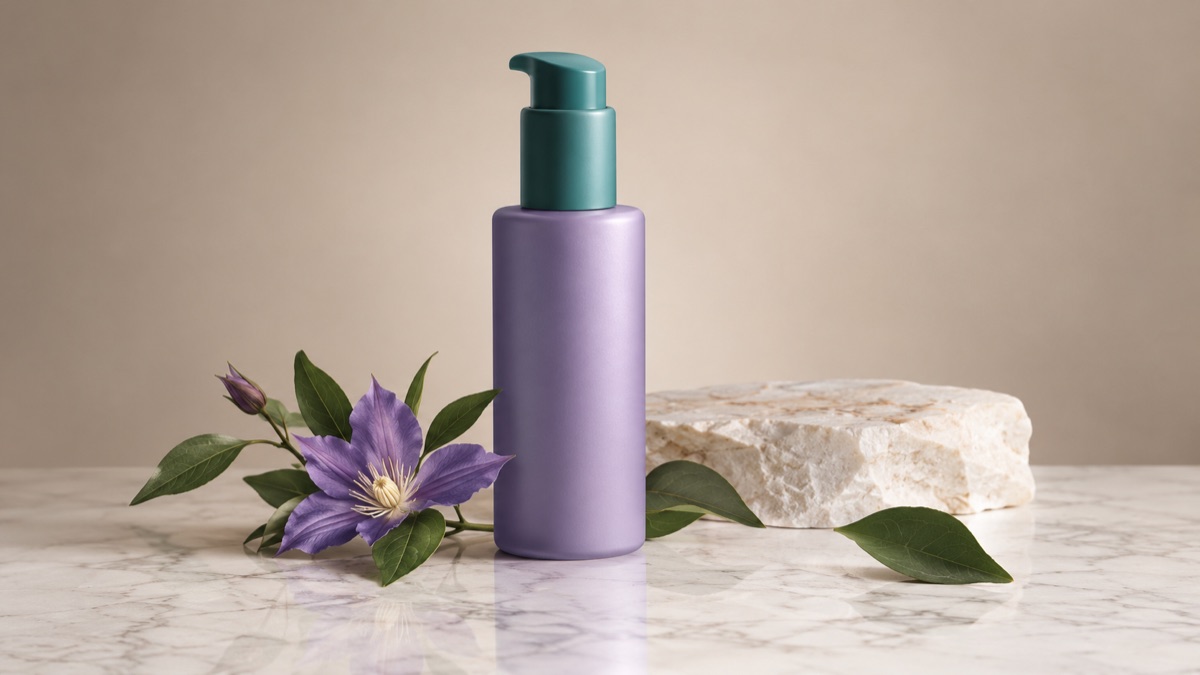
The product's shape, color, material, and label must stay accurate. The background, surface, shadow, and supporting props can change. A beautiful photo that misrepresents the item creates returns and trust problems, so accuracy comes before style.
The product should be in focus and evenly lit. If the label is blurry in the source, the model cannot reliably recover it.
Name the surface, backdrop, light, and shadow. Then state that the product shape, color, and label must not change.
Text is the first thing to distort. If the label changes, reject the result or run a tighter edit that protects the text area.
The page opens with the matching mode selected. Upload a file, edit the prompt, and sign in when you are ready to spend credits.
Use a publicly accessible URL (jpg/png/webp/gif/avif). No public link handy? Upload to store it on R2 and auto-fill the URL.
Uploads are stored only to run your edit. Privacy Policy
500 credits · about 5 image edits · one-time
Nothing generated yet
Upload only images you have the rights to use. Files are sent to the storage and model providers needed to produce the result.
Describe the set and the light. Repeat that the product shape, color, and label must stay accurate.
Marble studio
Desk lifestyle
Beige minimal
Give a mixed set of photos the same neutral background and light direction.
Place the same product in a summer table setting or a winter gift scene.
Show the product on a desk, in a kitchen, or in a bathroom without a new shoot.
Create several backgrounds for testing while keeping the product identical.
Logos, small text, transparent packaging, and reflective surfaces are high-risk. Generated props can also imply something the product does not include. Keep the listing honest, show the real item, and use generated scenes as supporting images rather than the only evidence of what is sold.
Check each marketplace's rules on AI-generated and edited images. Some categories require the product to be shown accurately and may restrict synthetic backgrounds. Keep the original photo available.
Small text often changes. Inspect the label at full size, and if it distorts, use a tighter prompt or keep the original label area untouched.
Yes, but do not add anything that implies an included accessory. Props should support the scene, not change what the buyer expects to receive.
Describe a seamless white studio surface with soft, even light. Check the edges and shadow; marketplaces often have specific background requirements.
Yes, but keep the garment shape and color accurate. Inspect hands, cuffs, and patterns, which are common drift points.
For a hero image and accurate color, a real photo is still the safest base. This workflow is best for extending a good original into more scenes, not for replacing the original record.
AI background changer for portraits and products
Replace a photo background with a studio, street, interior, or clean product set. Keep the subject and clothing while the scene changes around them.
AI image editor for prompt-based photo edits
Edit a photo by describing the change: swap clothes, clean a background, adjust light, or restyle a portrait. Upload once, compare the result, and download.
AI thumbnail generator for video covers
Generate a video thumbnail with a clear subject, strong contrast, and space for a title. Start from a prompt, then add your own text in an editor.