Portrait loops
Add a subtle head turn and breathing motion for a social post or profile banner.
Image to video
The best first image-to-video results use small motion: a slow push-in, a slight head turn, moving hair, or drifting atmosphere. Large action is harder to keep coherent, especially from a single still.
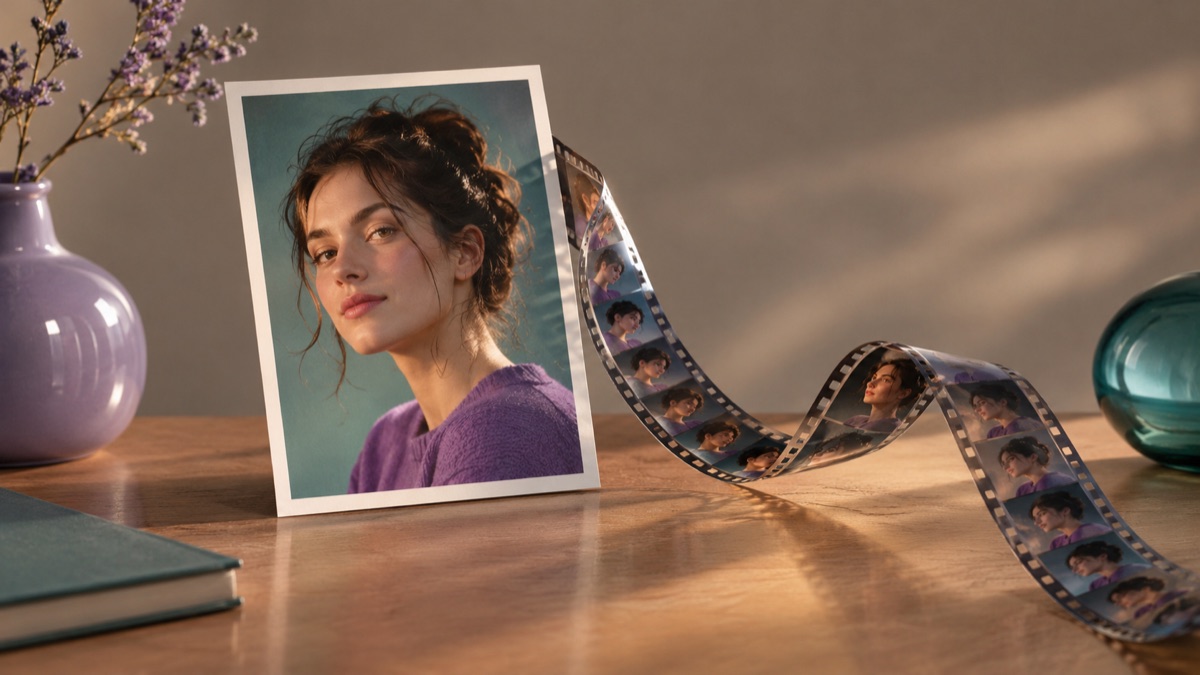
It uses a still image as the first frame and generates a short clip that continues from it. You control the camera move, the subject motion, and the atmosphere through the prompt. Identity and clothing can drift, so short, gentle motion is the reliable starting point.
Use a sharp image with a clear subject and a simple background. A busy scene gives the model more to change and more ways to fail.
Pick a single move: push in, turn the head, move the hair, or drift the fog. A long list of simultaneous actions is harder to keep stable.
Play the clip at full size and pause on frames. Identity, fingers, and text are the usual drift points; reject a clip that changes the person.
The page opens with the matching mode selected. Upload a file, edit the prompt, and sign in when you are ready to spend credits.
Use a publicly accessible URL (jpg/png/webp/gif/avif). No public link handy? Upload to store it on R2 and auto-fill the URL.
Uploads are stored only to run your edit. Privacy Policy
500 credits · 400 credits per video · one-time
Nothing generated yet
Upload only images you have the rights to use. Files are sent to the storage and model providers needed to produce the result.
Name the camera move, one subject motion, and the atmosphere. Keep identity and clothing consistent.
Slow push-in
Head turn
Drifting fog
Add a subtle head turn and breathing motion for a social post or profile banner.
A slow push-in or light sweep makes a still product shot feel like a commercial.
Animate drifting mist, rain, or glowing lights in an otherwise still scene.
Give a painting or old photo a gentle camera move for a documentary-style clip.
A single still gives the model no view of the back of a head, hidden hands, or a room's other side. Expect invention. Keep clips short, inspect frame by frame, and do not present generated motion as documentary footage.
The live video controls set the available duration and model. Short clips are easier to keep coherent; check the selector before you generate.
Yes, through the prompt. Name one move such as a slow push-in, a lateral pan, or a static camera. Combining many moves is less predictable.
The prompt can ask for identity consistency, but motion models can still drift. Inspect the eyes, mouth, and hands in every shot.
Yes. A slow push-in or a light sweep is a reliable first test. Avoid adding hands or people unless the original shows them.
Audio depends on the model selected in the live controls. Check the options shown there; this page does not promise audio.
Check the model provider's terms and your local rules, and keep a record of the source image and prompt. Do not animate an image you do not have the rights to use.
AI video generator for short text-to-video shots
Describe a short scene and generate a video: camera movement, subject action, light, and atmosphere. Start with a simple shot and inspect every frame.
AI image editor for prompt-based photo edits
Edit a photo by describing the change: swap clothes, clean a background, adjust light, or restyle a portrait. Upload once, compare the result, and download.
Panorama image generator for wide scenes
Generate a wide panoramic scene from a prompt: mountain lakes, interiors, or city skylines. Choose a wide ratio and inspect the edges before use.