Social clips
A short atmospheric shot for a post, story, or background loop.
Text to video
Text-to-video works best when the prompt reads like a shot list, not a novel. Name the subject, one action, the camera, the light, and the mood, then keep the clip short enough to inspect.
A useful prompt has five parts: subject, action, camera, light, and atmosphere. Keep the action simple and the camera to one move. Add a duration or aspect ratio only if the live controls expose it; otherwise let the selected model decide.
One subject, one action, one camera move. A shot list is easier for the model to follow than a paragraph of plot.
Say whether the scene is soft morning light, hard noon sun, neon night, or overcast. The mood words change color and contrast.
Pause on frames and check hands, faces, reflections, and text. Motion models can bend objects between frames.
The page opens with the matching mode selected. Upload a file, edit the prompt, and sign in when you are ready to spend credits.
500 credits · 400 credits per video · one-time
Nothing generated yet
Upload only images you have the rights to use. Files are sent to the storage and model providers needed to produce the result.
Subject, action, camera, light, atmosphere. Keep it to one shot.
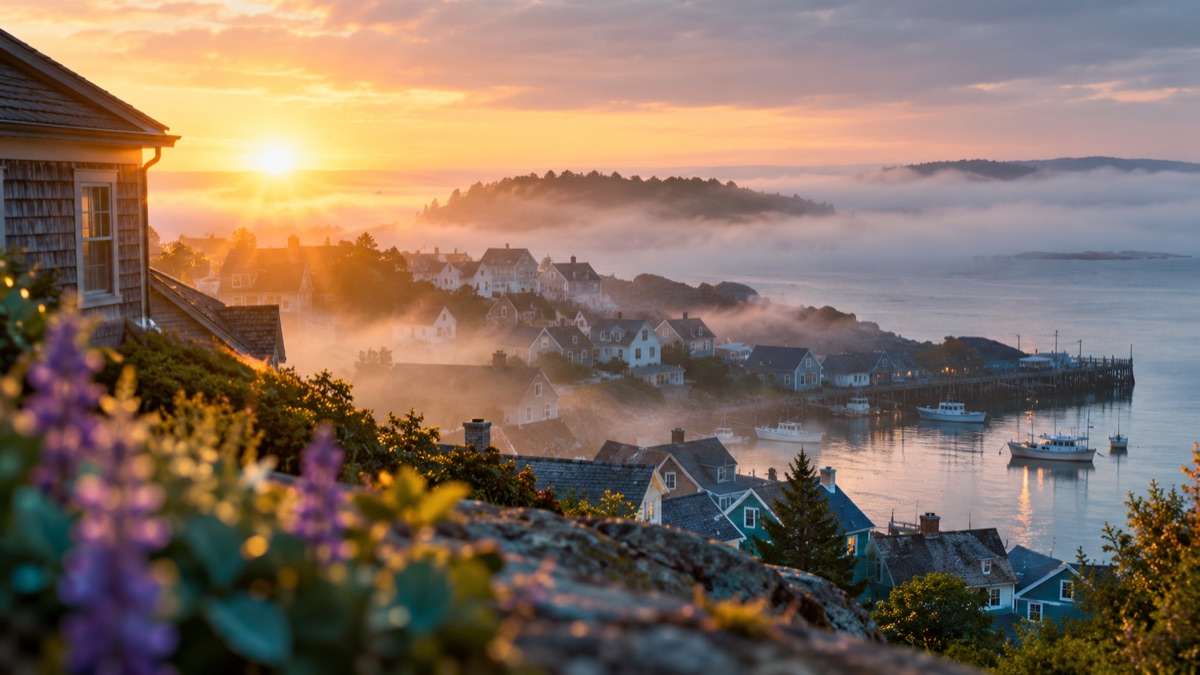
Coastal sunrise
Rain on glass
Product turntable
A short atmospheric shot for a post, story, or background loop.
Test a visual direction before committing to a full production.
A rotating object or a light sweep on a clean set.
Turn a written scene into a rough moving reference for a shoot.
It cannot guarantee a specific real location, a named actor, or accurate text on signs. Long shots and complex action tend to drift. Treat the result as a concept or a background clip, not a factual recording.
The live video controls show the available duration and model. Clip length affects cost and consistency, so start short.
The selector exposes the supported ratios. Pick the ratio before writing the prompt so the composition matches the final placement.
Yes, but faces and hands are the hardest parts. Keep the person small in frame or limit the action to a slow turn or walk.
Audio depends on the selected model. Check the live controls; this page does not promise sound.
Check the provider's terms and your local advertising rules. Disclose synthetic media where required and keep a record of the prompt.
Simplify the prompt: one subject, one action, one camera move. Remove extra characters and complex text, then try again with a shorter duration.
AI image to video for short, controlled motion
Turn a still image into a short video with gentle camera motion, a head turn, drifting fog, or shimmering light. Keep the subject consistent.
AI image editor for prompt-based photo edits
Edit a photo by describing the change: swap clothes, clean a background, adjust light, or restyle a portrait. Upload once, compare the result, and download.
AI thumbnail generator for video covers
Generate a video thumbnail with a clear subject, strong contrast, and space for a title. Start from a prompt, then add your own text in an editor.