YouTube covers
A dramatic scene with space for a short title and a recognizable subject.
Cover image
A thumbnail is a composition problem before it is a design problem. You need one readable subject, strong contrast at small size, and deliberate empty space for a title. Generate the scene here, then add text in your own editor.
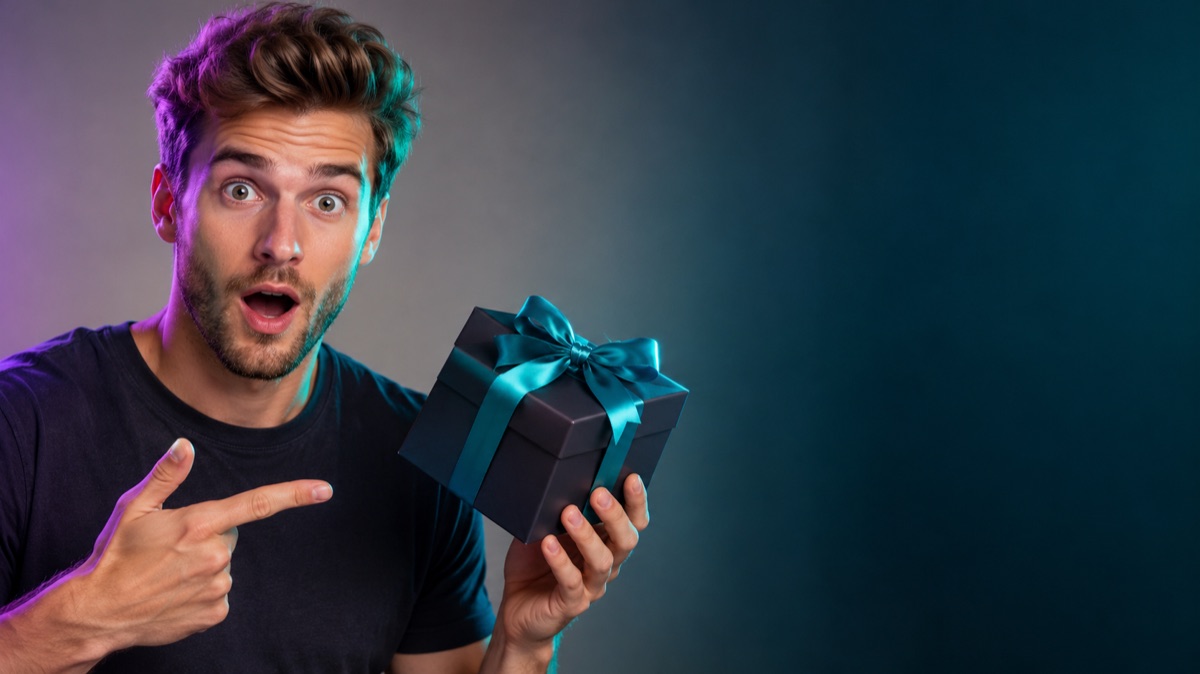
One subject, a simple silhouette, high contrast, and a readable color palette. Leave a quiet area for the title and avoid fine detail that disappears in a feed. The image should still make sense when it is only 120 pixels wide.
Say where the person or object should sit and which side stays empty for text. This is the composition instruction the model needs.
A dark subject on a bright background or a warm subject on a cool one reads better in a crowded feed than a low-contrast scene.
Generate the scene without text, then add the title in an editor. AI-generated lettering is unreliable and often misspelled.
The page opens with the matching mode selected. Upload a file, edit the prompt, and sign in when you are ready to spend credits.
500 credits · about 5 image edits · one-time
Nothing generated yet
Upload only images you have the rights to use. Files are sent to the storage and model providers needed to produce the result.
Name the subject position, the empty side, the contrast, and the mood. Do not ask the model to write the title.
Surprised host
Tech review
Travel vlog
A dramatic scene with space for a short title and a recognizable subject.
A clean, professional image that leaves room for a topic label.
A strong portrait or object with negative space for episode text.
A hero shot of the product with a controlled background and a clear focal point.
Image models still misspell short words and mangle logos. Generate a clean plate, add typography yourself, and keep the text legible at mobile size. Avoid fake UI, fake headlines, and anything that misrepresents the video.
It can try, but the spelling is unreliable. Generate the image without text and add the title in a design tool for a professional result.
Use the ratio required by the platform. For YouTube thumbnails, 16:9 is the standard; for Shorts and Reels, use a vertical ratio.
Only with that person's consent and the rights to their image. Do not generate a recognizable public figure for an endorsement you do not have.
It should represent the content honestly. A dramatic image that does not match the video increases early clicks but hurts trust and retention.
Yes. Reuse the same composition rule and color palette across episodes so the channel looks consistent.
Yes, each image generation consumes credits. The pricing page lists the current packs and plans.
AI video generator for short text-to-video shots
Describe a short scene and generate a video: camera movement, subject action, light, and atmosphere. Start with a simple shot and inspect every frame.
AI product photo editor for marketplace listings
Move a product onto a clean studio set, add a natural shadow, and keep the label readable. Built for marketplace and storefront photos.
AI image editor for prompt-based photo edits
Edit a photo by describing the change: swap clothes, clean a background, adjust light, or restyle a portrait. Upload once, compare the result, and download.