Website hero banners
A wide scene with quiet space for a headline and a call to action.
Wide canvas
A panorama prompt needs a scene that can fill a wide frame without repeating itself. Name the foreground, the distance, and the light, then choose the widest ratio the model supports.
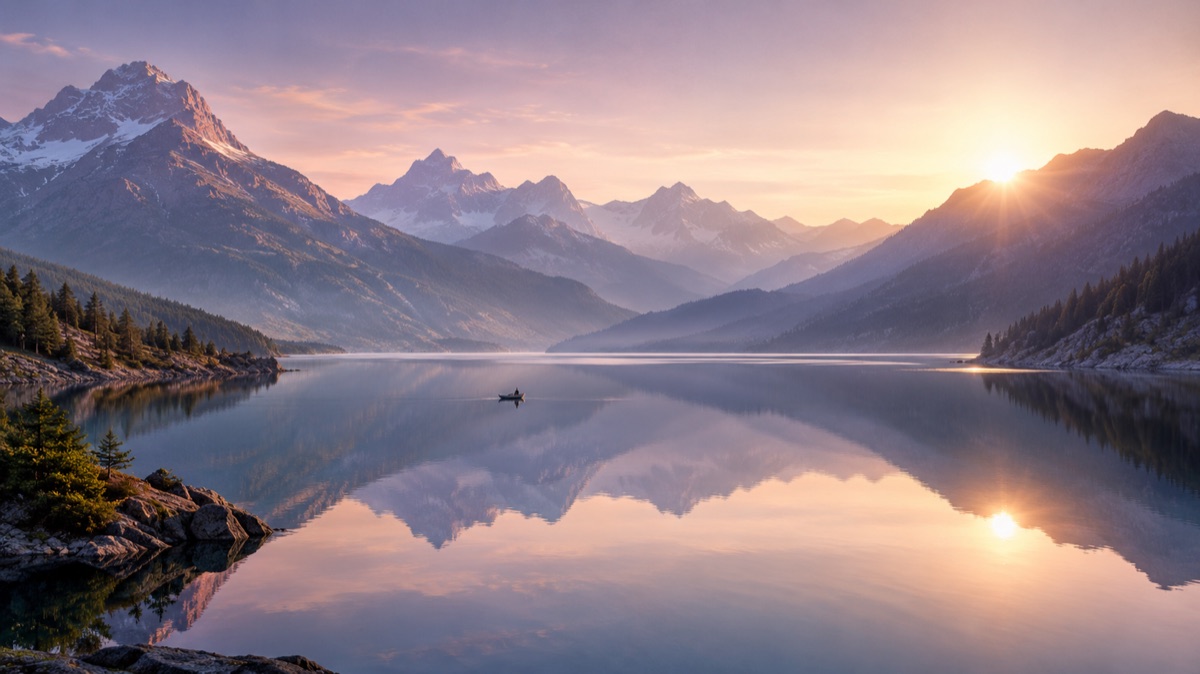
It is a wide image composed for a panoramic frame. It is not automatically an equirectangular 360 photo. Treat it as a wide scene for a banner, a background, or a concept, and only call it 360 if you have verified the projection.
Landscapes, interiors, and skylines give the model a clear structure. A close-up subject is harder to stretch across a wide frame.
Say what is near, what is far, and where the light comes from. This prevents a flat wall of repeated texture.
Wide generations often repeat patterns at the ends. Check the left and right sides for duplicated objects or a fading horizon.
The page opens with the matching mode selected. Upload a file, edit the prompt, and sign in when you are ready to spend credits.
500 credits · about 5 image edits · one-time
Nothing generated yet
Upload only images you have the rights to use. Files are sent to the storage and model providers needed to produce the result.
Name the foreground, the distance, the horizon, and the light. Choose a wide ratio.
Mountain lake
Gallery interior
City at blue hour
A wide scene with quiet space for a headline and a call to action.
A calm, wide image that does not compete with the text on a slide.
Explore a location or a mood before a shoot or a 3D build.
A wide composition for a wall display, a booth, or a backdrop.
A generated panorama can look convincing as a flat banner but fail as a sphere. The left and right edges are not designed to wrap, and the projection is not recorded. If you need a 360 image, verify the dimensions and seam in a viewer.
Not automatically. A 360 photo needs an equirectangular projection and a seamless wrap. This page generates a wide image; verify it in a viewer before calling it 360.
Use the widest ratio the live selector supports for a banner. A 2:1 ratio is associated with equirectangular photos, but the content still needs to be checked.
You can describe it, but the result is an interpretation, not a photograph of the place. Do not present it as documentary evidence.
Small figures can add scale, but faces and hands are unreliable at a distance. Keep them small or omit them.
Yes, use the image extender workflow with the original as the reference. Inspect the seam and the repeated textures.
Cost depends on the model and settings shown in the live controls. Check the displayed cost before generating.
360 image editor for equirectangular photos
Edit an equirectangular 360 photo with a prompt: remove clutter, change the sky, or clean the floor. Check the seam and projection before publishing.
AI image extender for wider frames and clean crops
Extend a photo beyond its original edges with AI outpainting. Add room for headlines, fix a tight crop, or turn a square shot into a wide banner.
AI image to video for short, controlled motion
Turn a still image into a short video with gentle camera motion, a head turn, drifting fog, or shimmering light. Keep the subject consistent.