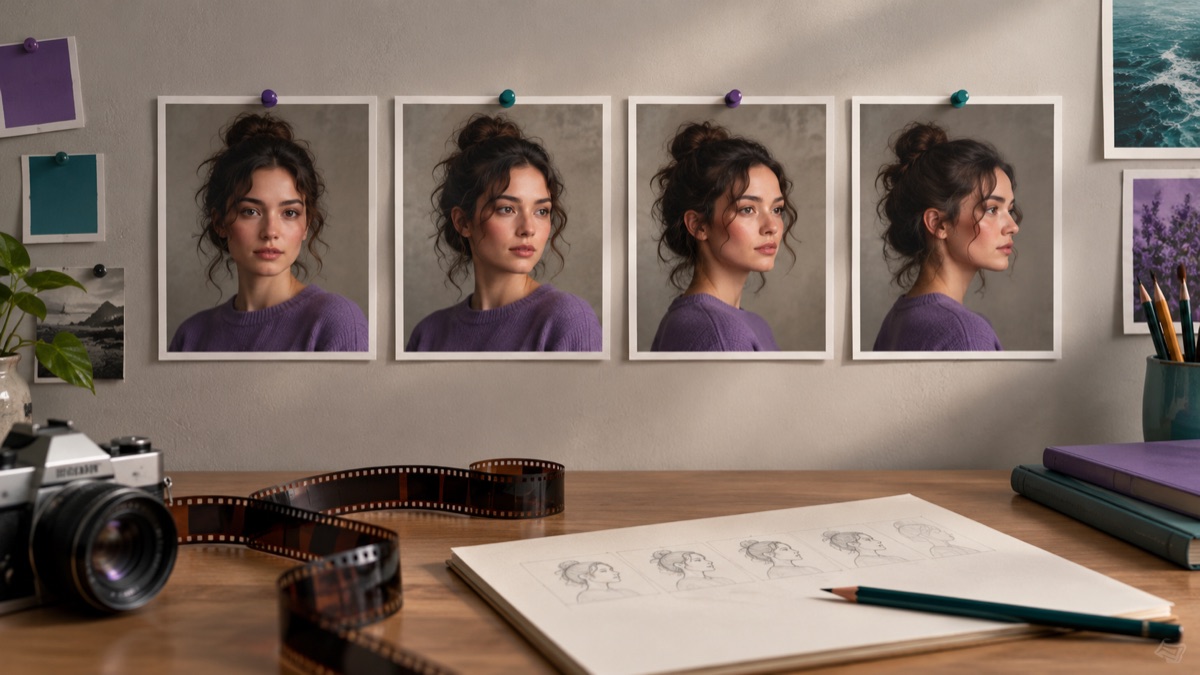
Try this workflow
AI image to video for short, controlled motion
Prompt recipes 1
Prompt recipes 2
Prompt recipes 3
The first image-to-video attempt usually asks for too much. The subject walks, turns, waves, and the camera orbits, and the result melts. The second attempt asks for a slow push-in and a slight head turn, and it looks like a real shot.
This guide is about that second attempt. Small motion, one camera move, and a frame-by-frame review.
The short answer
Choose a sharp first frame with a simple background. Ask for one camera move and one subject motion. Keep the clip short. Inspect the face and hands on paused frames. If the identity drifts, reduce the motion or reject the clip.
What image-to-video does
The model uses the still image as the first frame and generates a short clip that continues from it. It has to invent the frames between the start and the end, including the parts of the scene the original photo never showed.
That is why small motion works better. A slight head turn only requires the model to invent a little. A full-body walk requires it to invent a back, legs, and a room.
Step 1: choose the first frame
The first frame sets the ceiling, just like a source photo for an edit.
A good first frame has:
- A sharp subject with a clear silhouette.
- A simple background with few competing details.
- Even light with a clear direction.
- No important text that must remain readable.
- Enough resolution to inspect the face.
Avoid:
- A blurry or heavily compressed image.
- A scene with many small objects.
- A subject whose hands are already ambiguous.
- A frame with a lot of text.
- A group photo with several faces.
If the first frame is weak, fix it before animating. An edited still is a better starting point than a bad photo with motion.
Step 2: choose one camera move
Pick one:
- Slow push-in.
- Slow pull-out.
- Lateral pan.
- Static camera.
- Slight handheld drift.
A push-in is the safest. It adds production value without forcing the model to invent a new viewpoint. A lateral pan is harder because the model has to invent what is off-screen.
Describe the speed and the ending:
A slow, smooth push-in that ends slightly closer to the subject. The camera stays level.
Step 3: choose one subject motion
Pick one:
- A slight head turn toward the camera.
- A blink and a small breath.
- Hair moving in a gentle breeze.
- Fabric moving slightly.
- Fog or smoke drifting.
- A light shimmering.
Do not combine a walk, a turn, and a hand gesture. Each additional motion gives the model another chance to drift.
For a portrait:
The subject slowly turns their head toward the camera with a calm expression. A gentle breeze moves a few loose strands of hair. The body stays still.
For a product:
The product rotates slowly on a turntable. A soft light sweeps across the surface. The camera stays static.
Step 4: describe the atmosphere
Atmosphere is cheap motion. Fog, rain, dust, and light shimmer add life without changing the subject.
Useful phrases:
- Soft fog drifts through the background.
- Fine rain falls outside the window.
- Dust motes float in the light beam.
- The background lights shimmer gently.
- A warm light flare moves slowly across the frame.
Keep the atmosphere behind or around the subject, not across the face.
Step 5: inspect frame by frame
Do not judge a clip by pressing play once. Pause on frames and inspect.
Check:
- Face: eyes, mouth, jawline, and expression.
- Hands: finger count, joints, and edges.
- Hair: strands and silhouette.
- Clothing: seams, buttons, and patterns.
- Background: warping, repeating textures, and disappearing objects.
- Text: signs, labels, and screens.
- Motion: does the camera move smoothly, or does it jump?
If one frame fails, the clip fails. A single bad frame is enough to make the result unusable.
Clip length and cost
Short clips are easier to keep coherent. They are also cheaper. Start with the shortest duration the live controls allow, inspect the result, and only extend if the motion is stable.
The workspace shows the credit cost before you run a generation. Video costs more than a still image, so a failed clip is more expensive. Keep the first tests small.
Identity drift
Identity drift is the most common failure. The face slowly becomes a different person, the eyes change shape, or the jawline moves.
Ways to reduce it:
- Use a sharp, front-facing first frame.
- Keep the head motion small.
- Avoid dramatic lighting changes.
- Keep the clip short.
- Protect identity in the prompt.
A useful line:
Keep the subject's face, facial proportions, skin tone, hairstyle, and clothing consistent with the reference image. Do not change the person.
The model may still drift. Inspect and reject.
When a still is better
Use a still image instead of a video when:
- The image is the deliverable, not the motion.
- The subject is complex and the motion is not essential.
- The clip is for a page where autoplay is disabled.
- The cost of a failed clip is too high.
- The result would be a subtle loop that adds little.
A strong still with a good crop often performs better than a mediocre clip.
Common mistakes
Asking for a full action sequence. The model has to invent too much.
Using a busy first frame. The background warps and distracts.
Judging at small size. Face and hand failures hide in a thumbnail.
Ignoring the last frame. The end of the clip often drifts more than the beginning.
Forgetting the audio question. Audio depends on the model. Check the live controls; do not assume.
Using an image you do not have the rights to animate. The source image is still subject to rights and consent.
A reusable image-to-video prompt
Use the provided image as the exact visual reference and starting frame.
Create a short cinematic clip that continues from this image.
Keep the subject's face, hairstyle, clothing, and body proportions consistent.
Camera: [one move, speed, level].
Subject motion: [one small motion].
Atmosphere: [fog, rain, light shimmer].
Maintain realistic motion, stable anatomy, and consistent lighting.
Do not change the person, add characters, or introduce scene cuts.
No text or watermarks.
Try the workflow
The AI image to video page opens the workspace in image-to-video mode with three motion prompts. You can copy a prompt without an account. A generation uses credits; the pricing page lists the current packs and plans.
If you need a clip from a text description rather than a still, read the video prompt guide. If the first frame needs work, start with the AI image editor guide.