Clean product sets
Place an item on a neutral surface with a soft shadow and a readable label.
Background edit
A new background can rescue a good photo taken in a bad location. Describe the scene you want, keep the subject unchanged, and inspect the edges where hair, fabric, and shadows meet the new set.
It separates the subject from the original scene and redraws the area around them from your description. Unlike a simple cutout, it can also rebuild shadows, reflections, and light direction so the subject belongs in the new place.
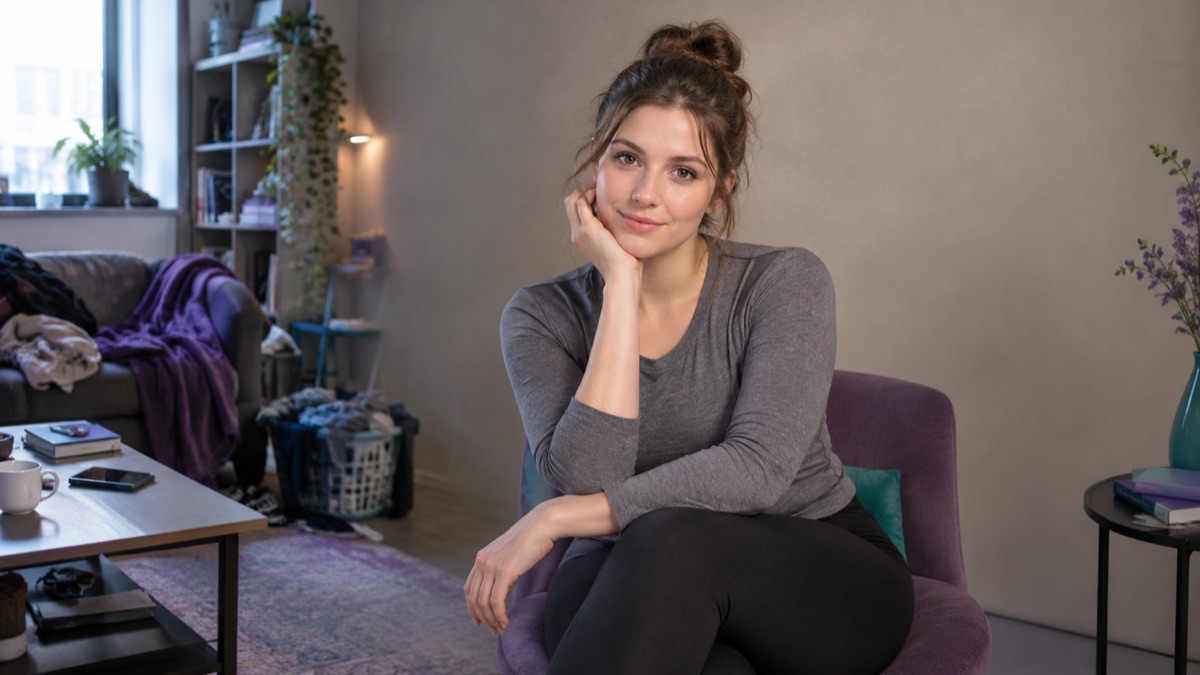
A soft indoor portrait is easier to place in a window-lit room than in harsh noon sun. Matching the original light direction gives a more believable result.
Say that the person, clothing, pose, and face must stay the same. Then describe the new background in one or two details.
Hair edges, glasses, transparent fabric, and contact shadows are where replacements show. Zoom in before you export.
The page opens with the matching mode selected. Upload a file, edit the prompt, and sign in when you are ready to spend credits.
Use a publicly accessible URL (jpg/png/webp/gif/avif). No public link handy? Upload to store it on R2 and auto-fill the URL.
Uploads are stored only to run your edit. Privacy Policy
500 credits · about 5 image edits · one-time
Nothing generated yet
Upload only images you have the rights to use. Files are sent to the storage and model providers needed to produce the result.
Describe the surface, the light, and the depth of field, then repeat what must not change.
Studio product
City at dusk
Quiet interior
Place an item on a neutral surface with a soft shadow and a readable label.
Swap a messy room for a quiet office or a plain studio wall.
Move the same subject into a summer terrace or a winter interior without a new shoot.
Create a consistent background across a set of photos so the catalog looks coherent.
Fine hair, transparent materials, and strong existing shadows are difficult. If the original background casts colored light on the subject, a neutral new set can look pasted. Keep the subject's original lighting in the prompt and inspect the contact area.
You can ask for a natural contact shadow, but the model will usually rebuild it to match the new surface. Say whether the shadow should stay soft, sharp, or disappear.
This workflow replaces it with a described scene. If you only need a transparent cutout, use a dedicated background-removal tool instead.
Transparent and reflective products are harder because the background shows through them. Inspect edges and reflections closely, and expect more iterations.
It should not if you state that clothing and pose must remain unchanged. Still compare the result with the original before publishing.
Describe the color in words and keep the lighting neutral. Exact hex matching is not guaranteed, so check the final image against your brand guide.
You can read this page and copy prompts without an account. A generation uses credits; the pricing page shows the current entry options.
AI image editor for prompt-based photo edits
Edit a photo by describing the change: swap clothes, clean a background, adjust light, or restyle a portrait. Upload once, compare the result, and download.
AI product photo editor for marketplace listings
Move a product onto a clean studio set, add a natural shadow, and keep the label readable. Built for marketplace and storefront photos.
AI headshot generator for profiles and team pages
Turn a clear selfie into a professional headshot with studio light, a clean backdrop, and business clothing while keeping the face recognizable.